No items found.
Get Started
Get Started
Editing
Editing
Get Started
Get Started
Editing
Editing
Riverside U
Transcribe with Riverside

Transcribe with Riverside

Transcribe with Riverside

Discover how to automatically transcribe and edit your recordings in over 100 languages with Riverside.fm. Learn how to upload external files, generate show notes, and download transcripts in both text and SRT formats for seamless content creation.
Chapters
00:00
Introduction
00:19
Recording in Riverside
01:13
Downloading Transcripts
01:43
Editing Your Transcript
02:16
Upload Files to Transcribe

Recommended Videos

Riverside Dashboard Walkthrough
Learn how to navigate through the Riverside dashboard where you can create and manage your recordings studios. We'll walk you through where to find studio recordings and how to share or download these high-quality audio and video tracks.
Watch video
Checklist for Smooth Recording with Riverside
Review a checklist to help you prepare the perfect setting, audio set-up and more for the best recording experience with Riverside.
Watch video
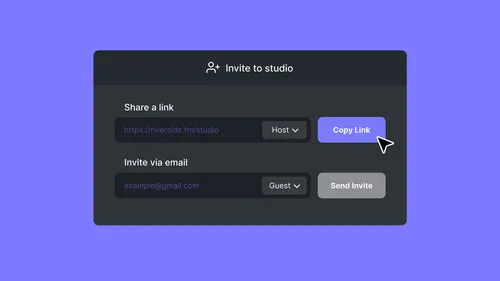
How To Send Invites for Audience, Guest and Producer Modes
Check out this video to learn how you can send different invites for audience, guest and producer modes.
Watch video

Start creating with Riverside

Get Started
*No credit card needed. Free plan available.