No items found.
Recording
Recording
Recording
Recording
Riverside U
Test Recordings in Studio

Test Recordings in Studio

Test Recordings in Studio

Learn how to use Riverside's new test recording feature to make sure everyone's microphone and video inputs are working properly before starting your actual recording. Plus, learn about Riverside's new text-based editing and AI transcripts available in 100 languages. Check out the link in the description to learn more and subscribe to the channel for more tips on building your video podcast setup and automating your podcast workflow.
Chapters
00:00
Introduction
00:16
Test Recording Tutorial
00:50
Live Demo of Test Recordings

Recommended Videos

Riverside Dashboard Walkthrough
Learn how to navigate through the Riverside dashboard where you can create and manage your recordings studios. We'll walk you through where to find studio recordings and how to share or download these high-quality audio and video tracks.
Watch video
Checklist for Smooth Recording with Riverside
Review a checklist to help you prepare the perfect setting, audio set-up and more for the best recording experience with Riverside.
Watch video
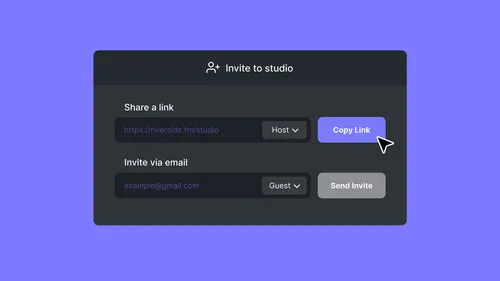
How To Send Invites for Audience, Guest and Producer Modes
Check out this video to learn how you can send different invites for audience, guest and producer modes.
Watch video

Start creating with Riverside

Get Started
*No credit card needed. Free plan available.