Deine Videos, bereit für
ein viel größeres Publikum.

Deine Videos,
bereit für ein viel
größeres Publikum.

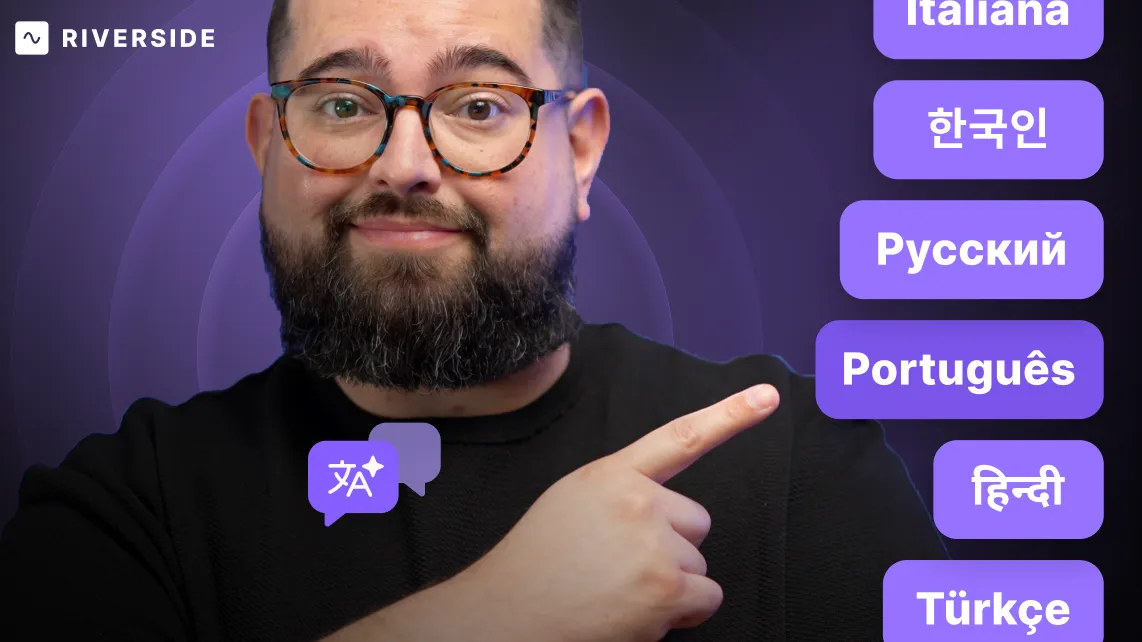
Übersetze, synchronisiere Stimmen und Lippenbewegungen deiner Aufnahmen in über 30 Sprachen mit Unterstützung von KI – deine Stimme bleibt erhalten, jede Nuance kommt rüber, ganz ohne Aufwand.

Listen
Mute
Unmute
Mute
Geschätzt von Einzelpersonen und Unternehmen

Lass deine Inhalte neue Wege gehen – überall auf der Welt.

Location Icon

Lokalisieren

Podcasts, Webinare und soziale Ads für internationale Zielgruppen.
Translation Icon

Übersetzen

Promo-Videos, Testimonials und Fallstudien für verschiedene Märkte.
Refresh Icon

Anpassen

Unternehmens-News und Schulungen für vielfältige Teams.

Hol das Maximum aus jeder Aufnahme raus.

Mach jeden Inhalt mehrsprachig – bereit für neue Zielgruppen, neue Plattformen und mehr Sichtbarkeit für deine Marke.
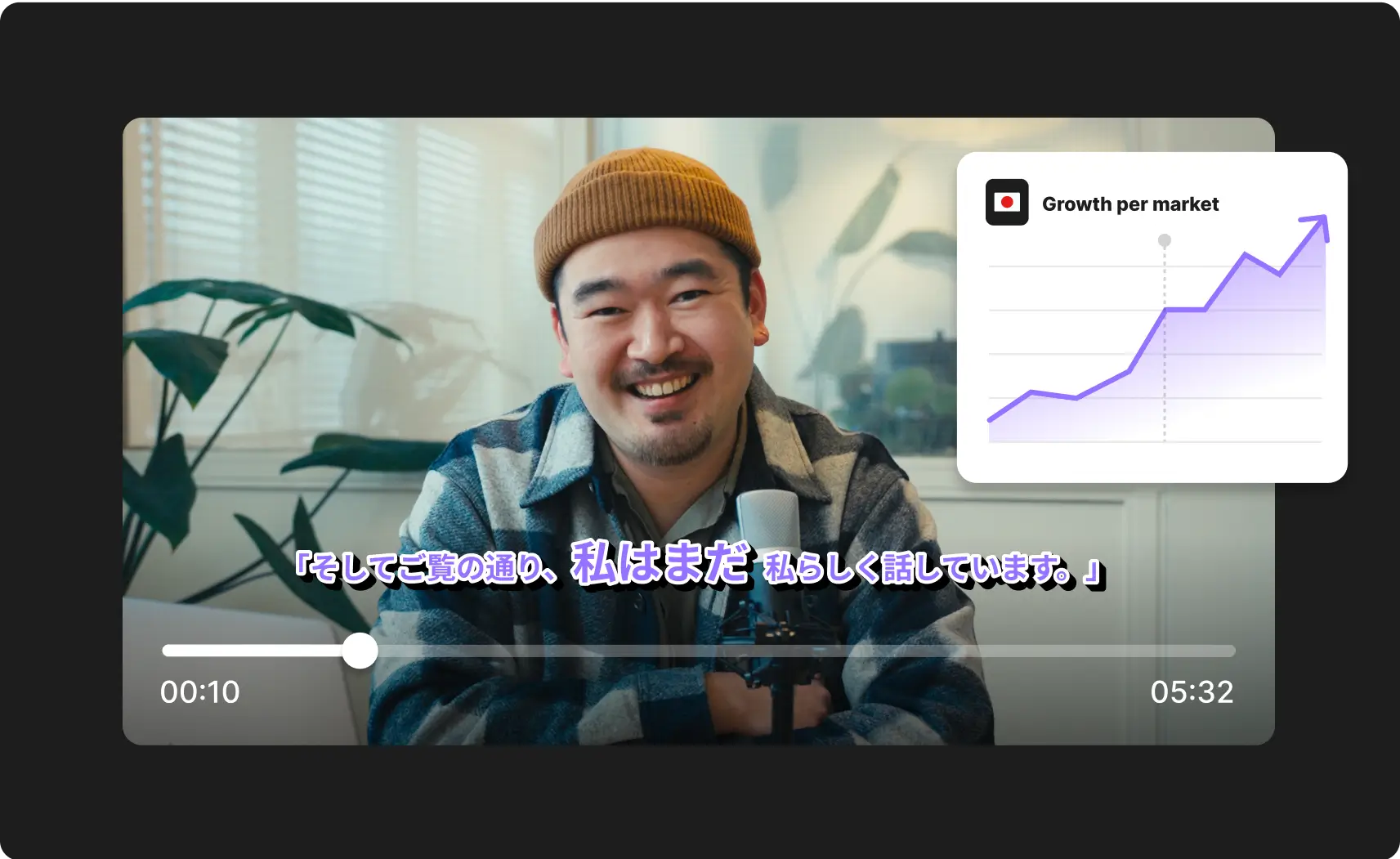
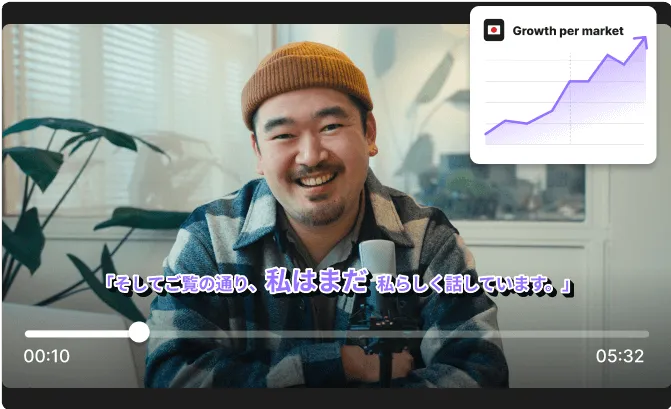
Smiling man wearing a brown beanie and plaid jacket speaking into a microphone with a growth per market chart overlay on the top right.Podcaster speaking into a microphone with growth chart.

Bessere Synchronisation, ganz ohne zusätzlichen Aufwand.

Die KI übernimmt Übersetzung, Synchronisation und Lip-Sync für dich – spart dir jede Menge Zeit und Arbeit.
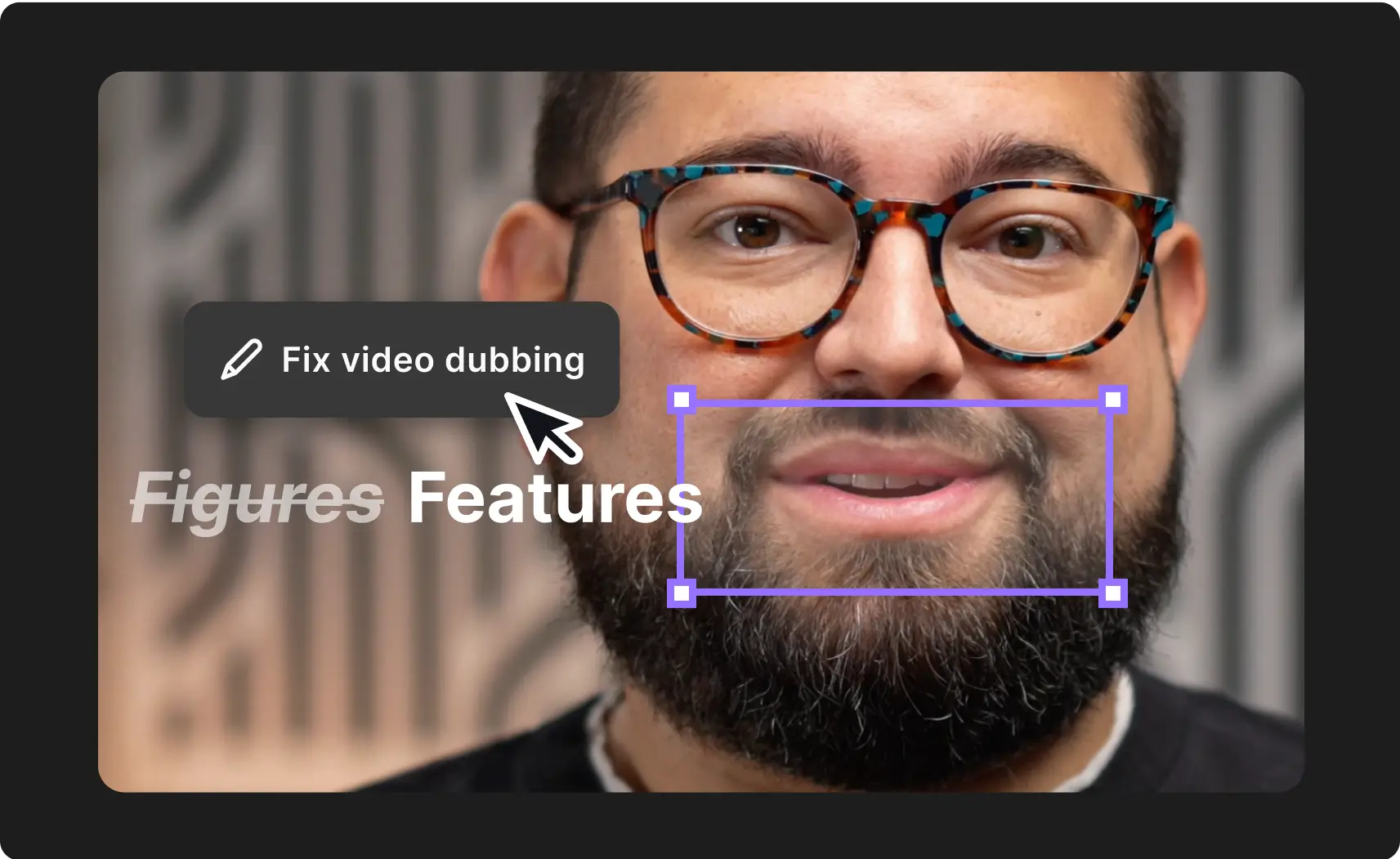
Podcaster speaking into a microphone with AI translation features overlay.Close-up of a man wearing tortoiseshell glasses and a beard with an overlay text editing box showing 'Fix video dubbing' and words 'Figures Features'.

Alles übersetzt in echtes Engagement.

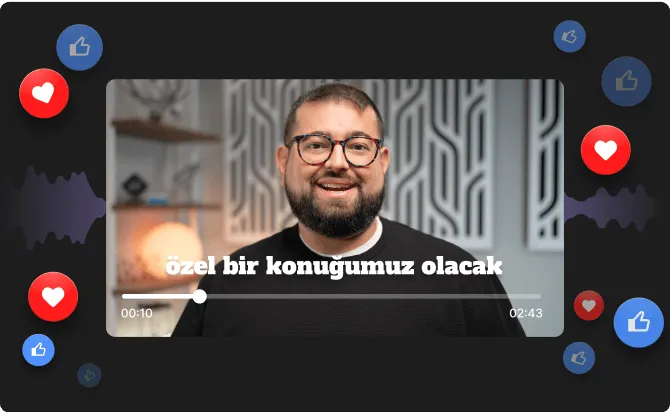
Deine übersetzten Aufnahmen klingen nicht nur richtig, sie fühlen sich auch so an – und das zeigt sich in Likes, Kommentaren und Shares.

Man speaking in a video with floating social media reactions.Bearded man with glasses smiling in a video player interface with Turkish text and floating social media reaction icons.

So funktioniert's

01
Wähle die Aufnahme oder Bearbeitung aus, die du übersetzen möchtest.
02
Wähle die Sprache und entscheide ob die Lippenbewegungen zum neuen Ton passen sollen.
03
Klicke auf „Übersetzen“ und lass die KI ein natürliches Voiceover in deiner Wunsch-Sprache erstellen.

Häufig gestellte Fragen

FAQ

AI Translation automatically translates your video’s spoken content into 30+ languages. It generates realistic AI voices for each speaker, syncs their lips to match the new audio, and translates the full transcript.

AI translation will do all of that for up to 4 speakers per video – host or guests – for now. We’re always changing things up for the better so you can expect the number of speakers to go up, too.

You can use AI Translate on both videos you upload and Riverside recording, as long as they’re under 60 minutes, which is the current limitation on recording length.

Nope. No reshoots, voiceover actors, or additional editing needed.

Yes! AI Translation uses speaker-specific voice cloning to create natural-sounding translations that closely match each person’s original voice and tone — just in a different language.

Yes, if that’s what you want. In other words, lip sync is optional — you can choose whether or not to apply it during the translation process. If you skip it, the translated audio will still be perfectly timed, just without matching mouth movements.

Yes — the translated transcript is fully editable, and you can use all of Riverside’s text-based editing tools just like you would with the original.You can trim, cut, split and splice, generate new Magic Clips from it, add captions, and anything else you’d like.

Currently, you can only add captions in the same language spoken in the recording. The same goes for the original recording and the new, translated one.

However, If we see there’s demanded for captions in more languages, we’ll look further into adding that as an option. Be sure to let us know if that’s something you’d find useful.

Translation takes roughly 20 minutes per 1 minute of video. So for example, a 30-minute video might take up to 10 hours to complete. We’ll notify you by email when the entire thing is ready.

At this stage, it’s exclusive to Business plans. We’re collecting feedback and may consider broader rollout options in the future — stay tuned!

Mehr Reichweite. Mehr Engagement. Weniger Aufwand.

Mehr Reichweite.
Mehr Engagement.
Weniger Aufwand.