
No items found.
Blog
Podcast equipment

Studio Setup #002 - Kevin Kolbe

By
Riverside team
Content Specialist
Reviewed by
Riverside team
Published
March 6, 2025
Last Updated:
January 29, 2026
2
min

Table of contents:

Summarize this article:

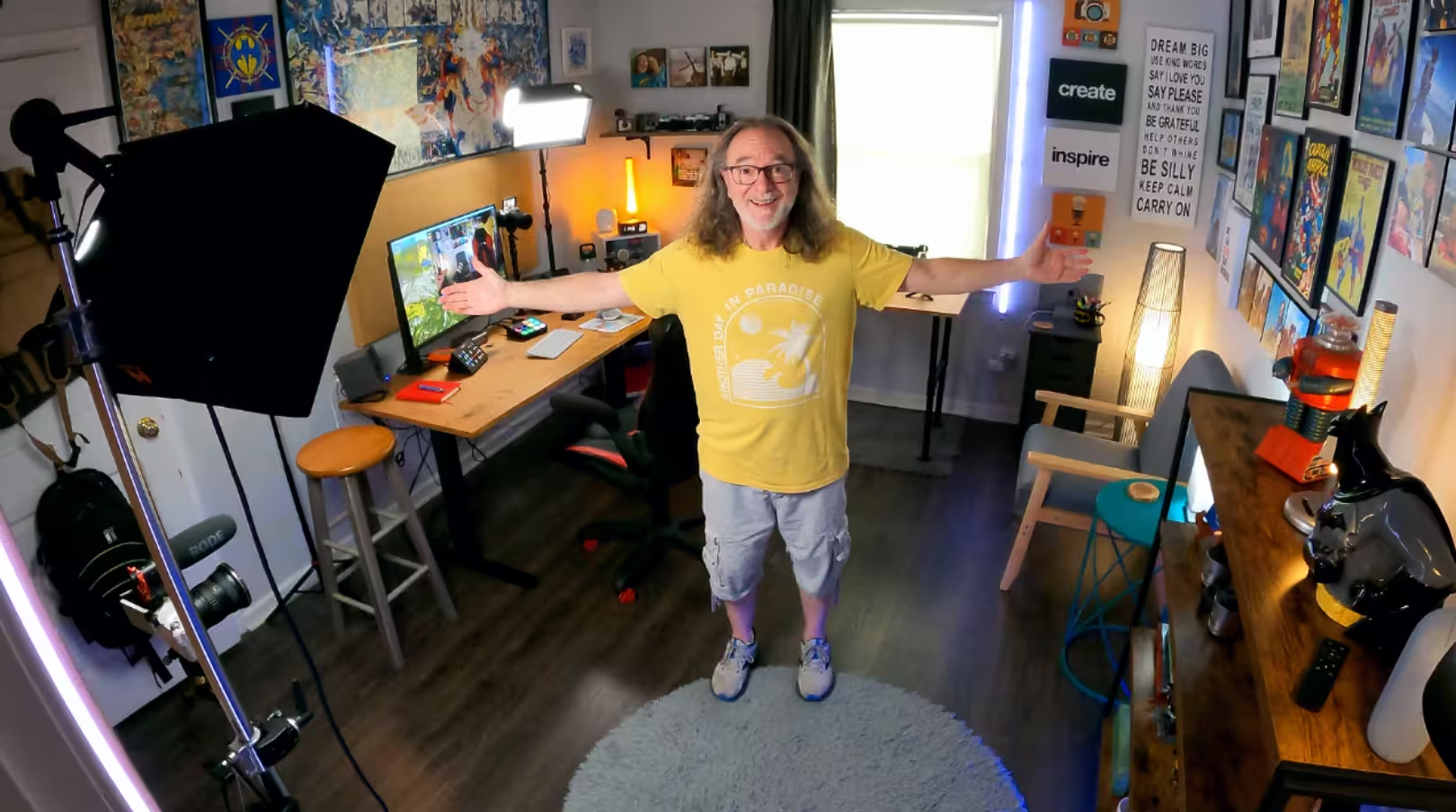
Kevin Kolbe is a solo content creator, youtuber, author, husband, dad, and a Jesus freak (by his own words)

Kevin Kolbe is a solo content creator (who’s well over 40), author, husband, and dad—including to a child with special needs—and a proud Jesus freak. He shares real talk and encouragement to help anyone over 40 do more with video content.

Website: https://kevinkolbe.com/books

YouTube: https://www.youtube.com/@kevinkolbe

Twitter (X): https://x.com/heykevinkolbe

Instagram: instagram.com/heykevinkolbe

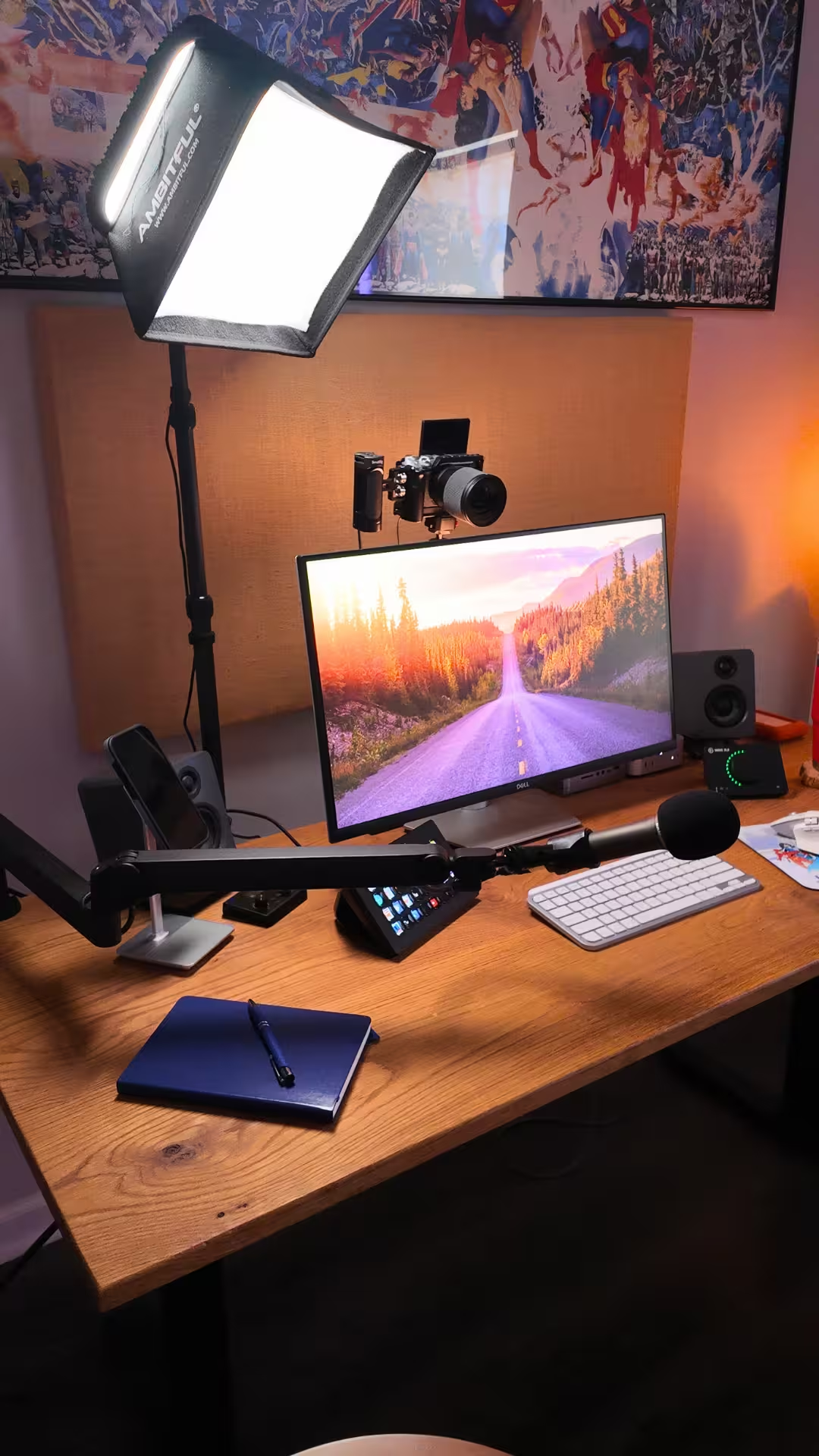
Explore’s Kevin's studio:

My gear:

  • Camera: Canon M6 Mark II
  • Lens: Sigma 16mm
  • Light: Godox
  • Mic: Samson Q2U
  • Boom: Elgato LP Boom Arm Pro
  • Computer: Mac Mini M4
  • Riverside
  • Monitor: Dell 24" 4k Monitor
  • Speakers: Kanto
  • Audio Interface: Elgato Wave XLR
  • Keyboard: Logitech MX Keys Mini
  • Mouse: Logitech MX Master 3S
  • External Hard Drives: LaCie 4TB, Samsung 1TB SSD

Accessories: 

  • Elgato Stream Deck
  • CalDigit Hub
  • Moment iPhone Stand
  • Yeti Tumbler
  • Justic League mouse pad.

The last thing I’ve added to my setup:

Mac Mini M4. Decided to upgrade from the Mac Mini M1 for speed and space.

My biggest learning:

You're never too old to create something new.

Why I started:

It's in my DNA! Always enjoyed creating something from nothing, sharing thru visuals (especially video), helping others see what they can do with their gifts too.

Want us to feature your studio? Fill out this form and send it over!

Share this post:
Further reading

Record in studio quality without the studio. Transcribe, clip, and edit within seconds.

Record Your Meetings Seamlessly with Riverside

Record & Sound Professional With Riverside

  • Record locally in 4K video and 48kHz audio
  • Capture separate tracks for up to 10 speakers
  • Control and monitor guests' audio and video input
  • Edit and repurpose your recording, all in one place
Record & Sound Professional With Riverside
Try Riverside for Free
Online podcast & video studio
Get Started

Keep reading

Studio Setup #001 - Scott Wyden Kivowitz
Explore Scott Wyden Kivowitz's studio setup. Scott is the Community Manager and podcast host at Imagen AI.
5 Podcast Setup Ideas from Real Podcasters + Tips to Get Yours Right
Looking to create or upgrade your podcast setup? Get our top podcast setup ideas and check out setups from real podcasters.
12 Must-Have Home Recording Studio Equipment | 101 Setup
Build your dream studio with these top 12 must-have home recording studio equipment. Pro or beginner, we share everything for a full home studio setup.

Riverside resources

YouTube Video Editor

YouTube Video Editor: Text-based, fast editing

YouTube live streaming

Simulcast to YouTube and other platforms.

YouTube Short Maker

Skip the editing tutorials, create professional Shorts in minutes.

YouTube Transcript Generator

Generate YouTube transcripts in seconds with 99% accuracy.

Discover free and paid tools on Riverside.

Browse all tools